
The Store.Fan Blog · 1842 guides
Grow your audience. Build real products. Get paid.
Field-tested tips, step-by-step playbooks, and the art of making money as a creator — written by the team behind Store.Fan.
1842 guides


Your product photography does not need a studio to look deliberate
Build a repeatable setup with natural light, simple surfaces and a small set of props.

Use image crops to control what customers notice first
Choose consistent framing that directs attention towards the product’s most convincing detail.

The mobile version is your storefront’s first real test
Review spacing, image crops, menus and product details where most quick browsing actually happens.

Make your checkout feel like the same place as your shop
Carry visual cues and reassuring details through the final step without adding unnecessary distractions.

When your storefront looks too polished to trust
Balance refined presentation with specific, human details that make the business feel real.

A product preview should reveal enough to make buying feel safe
Choose previews that demonstrate quality and usefulness without giving away the entire paid experience.

Your navigation should reflect how customers describe the problem
Organise products around familiar needs and outcomes rather than internal categories or formats.

Put proof beside the decision it supports
Place reviews, previews and guarantees where uncertainty appears instead of hiding them at the bottom.

The difference between a custom storefront and a decorated template
Identify the structural choices that make a theme feel intentional rather than merely personalised.

Design your product thumbnails for crowded screens
Make small images legible and distinctive when customers browse on phones and narrow windows.

Your storefront needs one visual rule customers can remember
Find a repeatable detail that links covers, images and layouts across every product.

How to photograph a digital product without pretending it is physical
Show the product’s real experience through screens, pages, close-ups and useful context.

The product grid is a selling decision, not a filing cabinet
Choose what appears first, how items group together and which comparisons help customers decide.

Stop treating your brand colours as decoration
Use a restrained colour system to guide attention and make important storefront elements recognisable.

Your fonts need jobs, not just personality
Assign typefaces clear roles so product names, details and actions remain easy to scan.

Use empty space to make a small product catalogue feel considered
Learn where breathing room improves hierarchy, focus and perceived value across your storefront.

A beautiful homepage can still make the wrong product feel important
Arrange featured products around customer priorities rather than your own creative preferences.

The five-second test for a storefront that feels like yours
Check whether your visual choices communicate a clear point of view before visitors start reading.
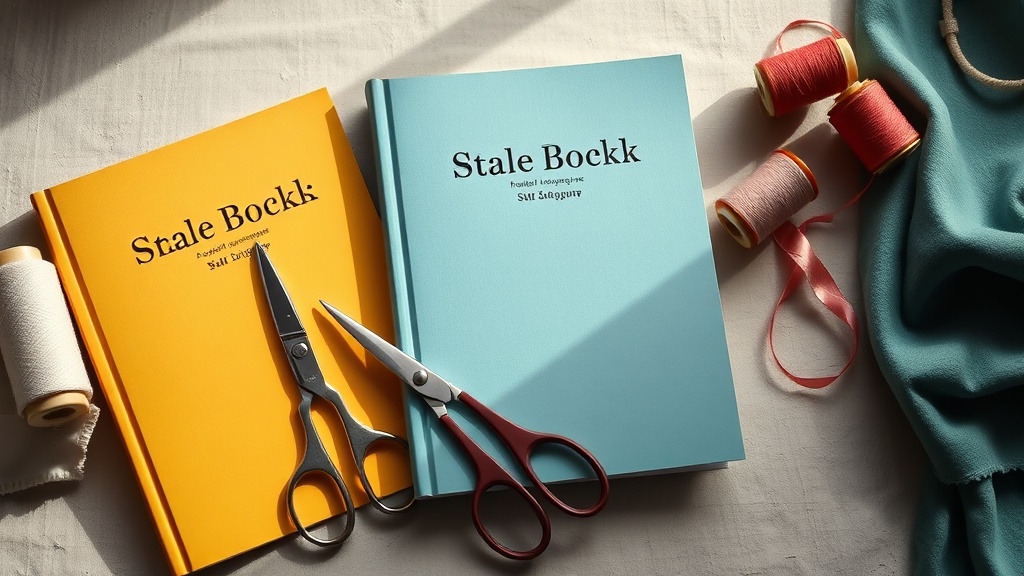
Your product covers should look related without becoming identical
Create a flexible cover system that makes your catalogue feel coherent and easy to browse.

What a trustworthy product photo has that a polished mock-up lacks
Use believable context, scale and detail to help customers picture owning the product.

Choose a storefront theme around how people buy from you
Match your layout to browsing habits, product complexity and the confidence buyers need.

The cover image is doing more work than your product name
Create a cover that communicates format, outcome and quality before visitors read the description.
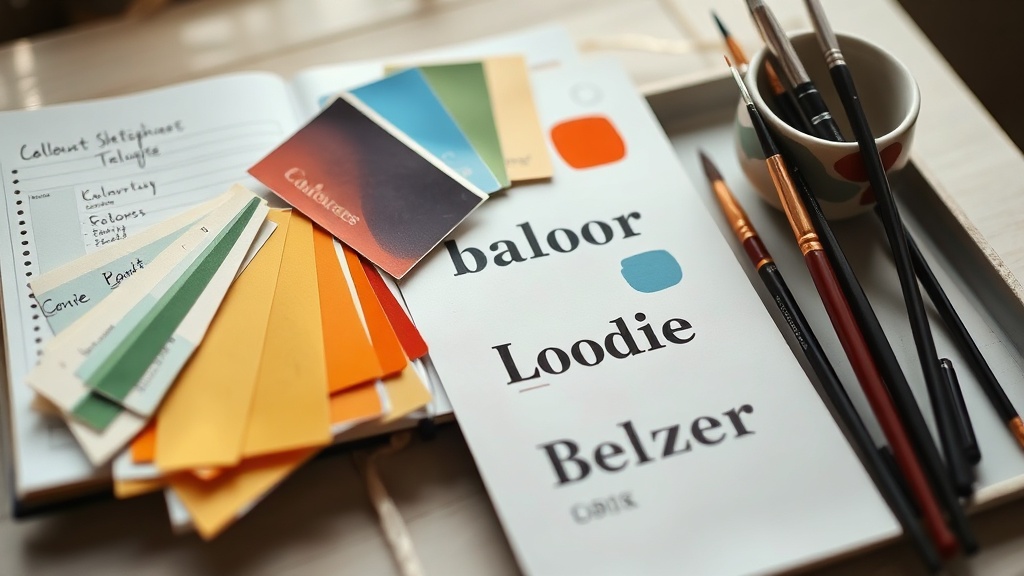
Give your storefront a visual signature before choosing a theme
Build a recognisable look from colour, type and composition before customising templates.

A migration test order should cover more than the payment screen
Walk through confirmation, delivery, receipts, access, refunds and mobile checkout before declaring the new shop ready.

The refunds and disputes you still own after leaving the platform
Document support responsibilities, payment timelines and customer records before cancelling the old account.

Moving from Gumroad when your customers never made passwords
Choose a low-friction account setup and explain access clearly for buyers used to instant downloads.

How to announce a platform move without making customers do admin
Give buyers one reason, one action and one deadline, while handling account changes behind the scenes where possible.

The integrations most likely to break during a storefront move
List email, payment, calendar, affiliate and automation connections, then test each one against a real purchase.

Your old platform’s analytics will not match the new dashboard
Record definitions and baseline figures before moving, so changing metrics does not look like changing demand.

Migrating a course when student progress cannot come with it
Plan a fair transition for enrolments, completion records and access windows when the new system starts fresh.

Why a cheaper platform can make your old bundles harder to sell
Compare product combinations, coupons, payment plans and access rules rather than comparing monthly fees alone.

The tax settings you should compare before moving digital products
Check VAT, sales-tax collection, invoices and customer locations before switching payment infrastructure.

How to carry over testimonials when the original platform owns the page
Collect permission, source details and context so social proof remains accurate and usable after the move.

Your Patreon tiers need a translation before they become storefront products
Turn recurring benefits into clear offers with defined access, billing terms and fulfilment responsibilities.

What happens to abandoned carts when you leave Shopify
Review recovery sequences, saved carts and customer consent before rebuilding purchase reminders on the new platform.

The domain switch that makes a platform migration feel invisible
Coordinate DNS, SSL, redirects and checkout links so customers experience continuity instead of broken pages.
Browse by category
Getting Started
176Claim your link, add your first product, and go live in an afternoon.
ExploreGrow Your Audience
256Turn followers into fans, and fans into a mailing list you own.
ExploreThe Art of Making Money
330Pricing, offers, and the psychology of getting paid for what you know.
ExploreProduct Playbooks
336Step-by-step builds for courses, coaching, downloads, and memberships.
ExploreEmail & Marketing
196Launches, newsletters, and campaigns that actually convert.
ExplorePricing & Payouts
166Stripe, PayPal, fees, taxes, and getting your money without friction.
ExploreCreator Mindset
163Consistency, burnout, and the long game of building a creator business.
ExplorePro Tips & Features
219Get more out of Store.Fan — the features power sellers lean on.
Explore