
🔐 Tech & tools · Guide
Sort Out Your Passwords
An ordered migration for people who have put it off
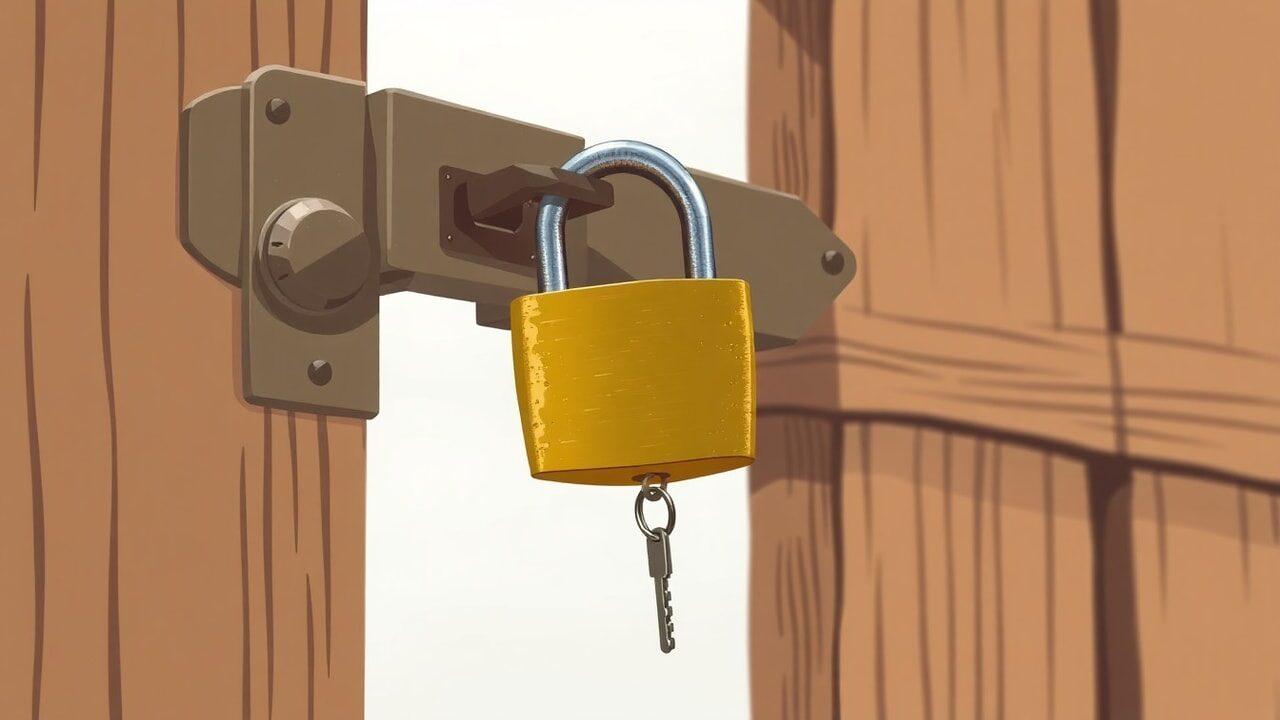
Sort Out Your Passwords
An ordered migration for people who have put it off
Your name
A4 · this is a layout preview in the “Terminal” design. When you generate, the studio writes every chapter in full, paints the cover and chapter art, and composes a downloadable A4 PDF with your name, bio and store link on it.
Almost everyone knows they should stop reusing passwords, and almost everyone stalls at the thought of updating two hundred accounts. The way through is to stop treating all accounts as equal. This guide fixes the handful that everything else depends on, then works outwards at a pace you can keep.
What's inside
- 1Start where the resets goYou identify the two accounts that control all the others, your main email address and your phone number, and secure them first. After this chapter the account someone would attack first is the one you have hardened most.
- 2A password manager, set up properlyYou choose a manager, create one long passphrase you can actually remember, and install it on the phone and laptop so it is easier to use than not to. The chapter covers what to do about the browser's built-in offer to save passwords.
- 3Two-factor, in order of usefulnessYou add second factors starting with the strongest available on each account, and learn why text messages are the weakest option worth having. By the end your critical accounts need something you hold as well as something you know.
- 4Migrating without a lost weekendYou change passwords opportunistically as you sign in to services over a month, rather than in one exhausting session, and keep a short list of the ones that must not wait. After this chapter you have a queue that empties itself.
- 5Recovery codes and the paper envelopeYou collect the backup codes that let you back in when a phone is lost or stolen, and store them somewhere that survives losing the phone. The chapter also covers who else should be able to reach them if you cannot.
- 6What to do on a bad dayYou follow an ordered response for a suspected breach, starting with email and session sign-outs rather than password changes, and check the places attackers usually leave a mark. By the end you have a printed checklist you can follow while stressed.
A sample from chapter one
Start with the address everything resets to
Password advice usually starts with the idea that every account matters equally. It does not. Your main email address is the master key, because nearly every other service will happily send a reset link to it. Whoever controls that inbox can take the rest at their leisure, and no amount of care on your shop, bank or hosting account changes that arithmetic.
So the order is fixed. Give the email account a long unique passphrase and the strongest second factor it supports. Then do the same for the phone account, since a stolen number defeats any code sent by text. Only after those two are done does it make sense to work through everything else, and by then the worst risk is already behind you.
- Secure your primary email and mobile account before touching any other password.
- Use a passphrase of four or more unrelated words for the manager itself, and let it generate the rest.
- Prefer an app or hardware key over codes sent by text, which can be intercepted by moving a number.
- Save every recovery code at the moment you enable two-factor, not later, and keep them off the same phone.
Key takeaways
- Accounts are not equal, and securing them in order of blast radius is far quicker than doing them all at once.
- A password manager only helps if it is installed everywhere you sign in, including the phone.
- Recovery codes stored on the device you might lose are not recovery codes at all.
The studio writes every chapter from this outline, paints the art and hands you a PDF you can sell the same afternoon.
Start free