Moving your storefront to a different Stripe account without a gap
You incorporated, or you finally opened a business account, and the money needs a new destination. Here is the order of operations that avoids losing sales.
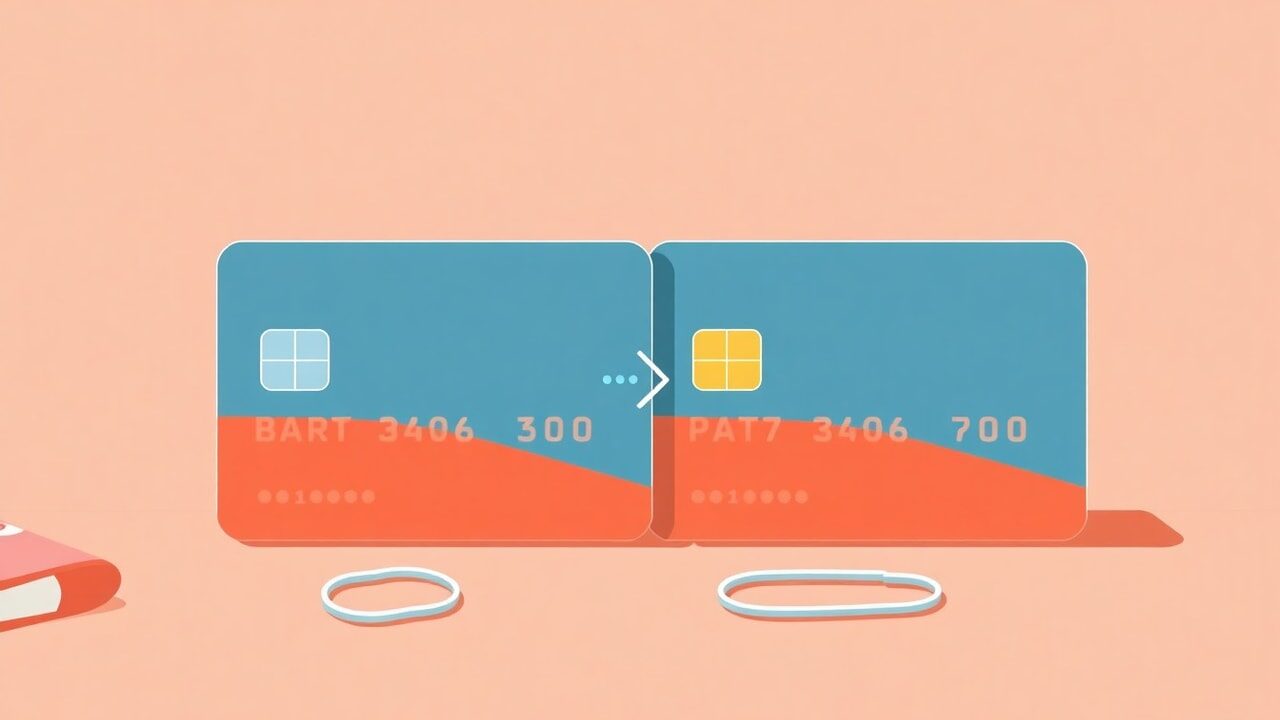
The company was registered on a Tuesday. By Thursday you had a business bank account, a certificate you were quietly proud of, and an accountant asking why your sales are still landing in a personal account opened when this was a hobby. Nothing is broken. Money is arriving. But the destination is now wrong, and the fix has a sequence to it — because in the middle of any switch there is a window where a shop can be connected to nothing at all, and that window is where sales go to die.
What is genuinely awkward about a switch
One-off sales are the easy case. A download, a print, a coaching call: the payment happens, it lands in whichever account is connected at that moment, and there is nothing left running afterwards. Change the account and the very next sale simply goes somewhere new.
Recurring money is the hard case. A membership billing monthly, a yearly community subscription, an ongoing plan — those are living arrangements created on the account that took the first payment, with a card mandate attached to them. They do not migrate because a different account was connected afterwards. If you sell memberships, this is the whole of the difficulty and everything else is admin.
Then there is the tail. A dispute on a sale from six weeks ago is fought on the account that processed it, using the evidence that sits there. A refund on an old order comes out of the old balance. If you close the old account the moment the new one is connected, you have removed your own ability to handle both. Overlap is not untidiness; it is the correct state for a while.
Two ways this goes
The difference between a switch that nobody notices and one your buyers feel is entirely about ordering. Compare the improvised version with the planned one.
| Switching in a hurry | Switching in order |
|---|---|
| Disconnect the old account first, then start setting up the new one | New account fully verified and ready, then connect it — the shop is never without a destination |
| Discover verification is pending after sales have already failed | Verification documents cleared while the old account is still taking money |
| Members find out something changed when a renewal misbehaves | Members are told in advance, in plain words, before anything moves |
| Old account closed immediately, disputes now unmanageable | Old account kept open and monitored through the dispute window |
| Nobody checks whether the new connection actually works | A real card purchase and a refund tested on the new account before you announce anything |
The order of operations
Work top to bottom. The whole point is that steps one to four happen while the shop is still trading normally on the old account, so there is no dead window at any stage.
- 1Open the new Stripe account and complete verification fully — identity, business details, tax identifier, bank account — before touching the storefront.
- 2Confirm the new account's country and currency are the ones you actually want, because that is fixed to the account and hard to undo later.
- 3Take stock of what is recurring: how many members you have, on monthly or yearly billing, and roughly when their next renewals fall.
- 4Write the message you will send to members, saying what is changing, what they need to do, and by when. Plain words, no jargon.
- 5Pick a quiet window — not a launch week, not the day before a renewal cluster — and connect the new account to your storefront.
- 6Buy one of your own products with a real card, check the money arrives in the new account, then refund it and check that works too.
- 7Send the member message, and be available to reply for a couple of days afterwards.
- 8Leave the old account open, with its email monitored, until every dispute window on its last transactions has closed and your accountant has what they need.
A membership shop does it in ten days
Picture a writer with a £7-a-month community of 140 members, plus occasional one-off downloads. She registers a company in March. Rather than switching that week, she opens the company Stripe account, uploads the documents and waits until it is fully verified, which takes four days. Meanwhile the shop carries on billing normally into the old account, and nothing about her members' experience changes.
On day nine she connects the new account on a Tuesday morning, buys her own £4 back-issue with a real card to confirm the money lands, refunds it, and then posts a pinned announcement in the community explaining the change and what, if anything, members need to do. The old account stays open until the summer so that a refund on a February order is still possible. Total disruption: one Tuesday morning and one honest post. The thing that made it dull was the waiting, which is exactly what you want from a payments migration.
Not selling anywhere yet? Start on the right Stripe account from the first sale.
Open a free storeThe mistake most people make
They disconnect the old account first, because it feels like the tidy way to begin, and then spend three days in verification with a shop that cannot take money. Every visitor in those three days is a visitor who came, wanted something and left. Nothing about the new account requires the old one to be gone — connect the finished thing, do not start by demolishing the working thing. If you are also arriving from another platform, the same principle applies to your products and contacts, which is what the migration guide is for.
No, and they should not. Everything processed by the old account stays with the old account, including its payout history and records. Your store.fan order history and customer list are unaffected either way, because they belong to your storefront rather than to a Stripe account.
Until the dispute window on its final transactions has passed and your accounts for that period are done. Months rather than days. There is no cost to leaving it open and a real cost to closing it early.
For one-off purchases, generally not much beyond the name on their card statement changing to your new business name — which is worth mentioning to them, since an unfamiliar descriptor is a classic trigger for a chargeback. Members are the group who deserve a proper heads-up.
No. There is 0% platform fee on every plan before and after, and store.fan never holds funds either way. What changes is only which of your own Stripe accounts receives the payments.
A Stripe switch is not difficult, it is just unforgiving about order. Build the new thing completely, test it with your own money, tell the people it affects, and keep the old thing alive until its last obligation has expired. Do it that way and the only person who remembers it happened is your accountant. You can see how payments are set up in the first place on the payments feature page, and what each plan includes on pricing.
Take your first payment into an account you chose on purpose.
Get started nowTurn your knowledge into income
Launch your Store.Fan in minutes — sell digital products, courses, and calls straight from your bio. Free to start.