
Shooting a storefront cover photo on the phone you already own
The cover photo is the first thing anyone sees. Notes on light, background and leaving room for your name, then how to check the crop before publishing.
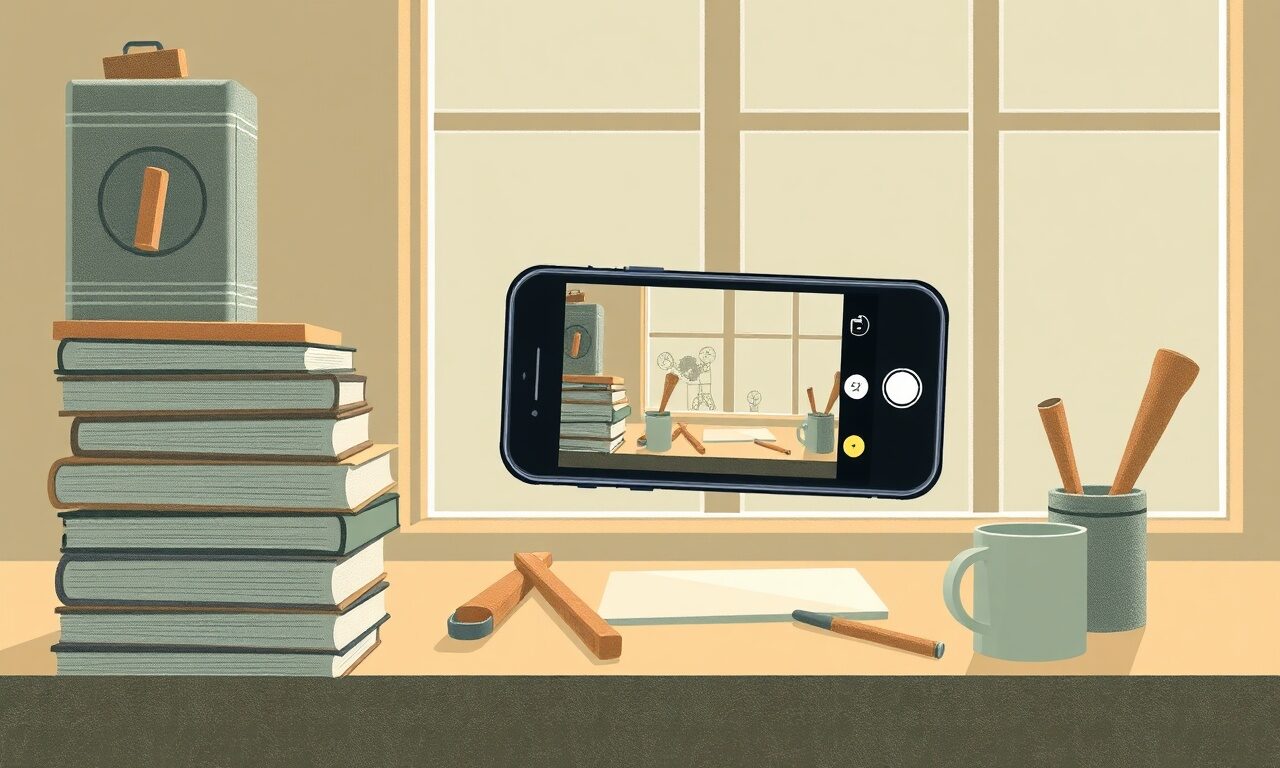
Nobody reads your bio first. The cover photo loads, fills the top of the screen, and a visitor has formed a rough opinion about whether you are worth two more seconds before their eye reaches a single word. Most creators solve this by grabbing a stock image of a laptop on a desk, which communicates nothing except that a stock image was available. You almost certainly have a better photograph inside a ten-minute walk, and the phone in your hand is capable of taking it. What follows is what actually matters when you do.
Why this one image carries so much
Your storefront has to answer a question the visitor has not consciously asked: is this a real person doing real work, or a page someone threw together. Product cards answer it slowly, by being specific. The cover photo answers it instantly, by being either particular or generic. A slightly crooked photo of your own studio with the light falling across it says more about you than a perfectly exposed picture of someone else's laptop.
The hard part is that this is a photograph, and photographs are hard in ways that have nothing to do with your phone. The three things that ruin a cover photo are almost always the same: the light is overhead and harsh, the background is cluttered with things you stopped noticing years ago, and the subject sits dead centre where the text will land. None of those are fixed by a better camera, which is why buying one is not the answer.
The second genuine difficulty is that you cannot judge the crop from the camera roll. A wide photograph is displayed differently on a narrow phone than on a laptop, and the part you loved may be the part that gets cut. This is why the last step in this piece is a check on the live page rather than a decision made in the photo app.
The usual route, and the one that works
Most people either pay for a photographer they cannot yet justify, or use a stock photo that makes their page look like ten thousand other pages. There is a third option, and it is the one the designer is built around: take a decent photograph yourself, upload it, look at it in place, and replace it in a minute if it is wrong.
| The usual cover-photo route | With store.fan |
|---|---|
| A stock image that could belong to anyone | A photograph of your own work, which is the one thing nobody else can use |
| A shoot you keep postponing until you can afford it | Ten minutes by a window with the phone you already have |
| You upload once and never look at it on a phone | Your storefront is live at store.fan/you, so you check the real crop in seconds |
| Changing it means going back to a designer | Upload a replacement in the designer and it is live immediately |
| Cover imagery is a paid theme feature | Cover photos are part of the free plan, alongside the 28 themes and 11 layouts |
| One image has to work for every page | The cover sets the tone at the top while each product keeps its own image below |
The ten-minute shoot
Do this in one sitting. It is a small job that people turn into a large one by planning it for three weeks.
Before, during and after the shot
0/8A worked example: a baker with a phone and a kitchen window
Say you sell a sourdough course, a recipe pack and a monthly membership. The obvious cover is a photograph of finished bread, shot from above, which is what everyone does. Try the less obvious one: the bench mid-work — flour, a scraper, dough at the shaggy stage, morning light across the surface from the left. It says more about what the course teaches than a perfect loaf does, and it leaves the calm middle of the frame for your name.
Shot at nine in the morning by the kitchen window, with the ceiling light off, that is a ten-minute job. Upload it, open store.fan/yourname on your phone, and you will probably find the scraper is half cut off on a narrow screen. Reshoot a step wider, replace the image, done — total elapsed time perhaps twenty-five minutes, on a page you will keep for a year. If your work is physical, it is worth knowing that store.fan handles digital products and physical orders on the same page, so the same photograph is working for both.
Take the photo this morning and see it at the top of a real storefront by lunchtime.
Set yours upThe mistake most people make
The most common mistake is choosing a photograph you like rather than one that works as a background. Cover photos are not portfolio pieces; they are surfaces that text sits on. A busy, high-contrast, beautifully detailed image is the hardest thing to put a name on top of. When you are choosing between frames, squint at each one and ask where the quiet area is. If there is not one, it is the wrong frame however good the photograph.
The other mistake is using a tightly cropped headshot as the cover. Your avatar already shows your face; a second, larger face directly behind it competes with itself. If you want to be in the cover, be in it doing something, at a distance, with the room around you.
No, and a clean themed header is better than a bad photograph. But a page with no cover has fewer signals of being a real business, so it is worth ten minutes once you have products worth showing.
Rather than chasing a number, shoot in landscape at your phone's normal quality and check the result on your own storefront. The crop varies with screen width, so the live page is the only reliable judge.
Yes, as often as you like. It is a field in the storefront designer, the change is live immediately, and nothing about your products, prices or links is affected.
Yes. Cover photos come with the full storefront designer on Free, along with all 28 themes, 11 layouts and 16 fonts.
Sideways light, a cleared background, a wider frame and a calm middle. Those four things account for most of the distance between a phone snapshot and a header that makes the page look considered. Do the shoot badly today rather than perfectly next month — the version that exists is the one working for you, and you can replace it any time. When you are ready to think about the rest of the page, the features overview covers what sits beneath it.
Your own photograph, your own link, and nothing to pay to publish it.
Create your pageTurn your knowledge into income
Launch your Store.Fan in minutes — sell digital products, courses, and calls straight from your bio. Free to start.


